

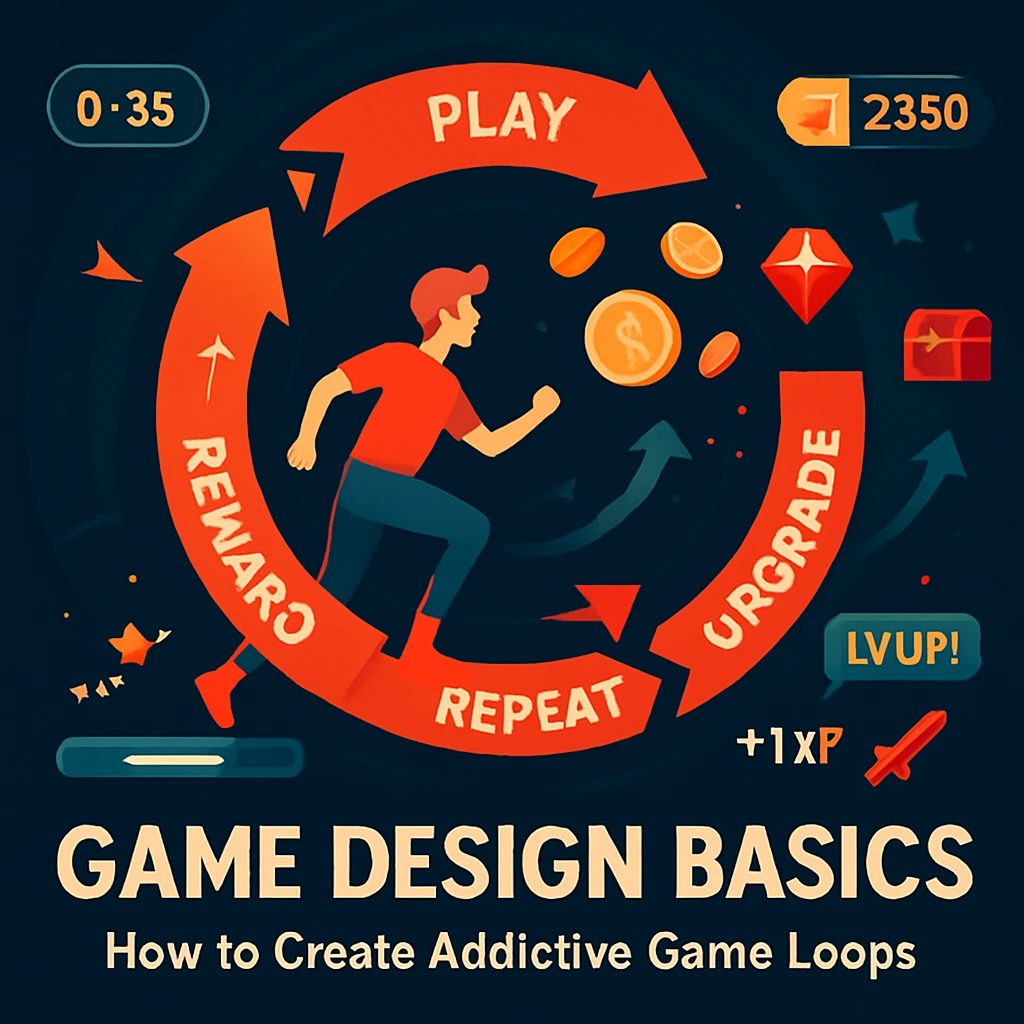
Game Design Basics: How to Create Addictive Game Loops
Introduction Have you ever wondered why some games keep players hooked for hours while others lose their charm within minutes? The secret often lies in one powerful concept: the game loop. An addictive game loop is the engine that drives engagement, rewards effort, and keeps players coming back. Whether you’re a hobbyist, educator, or aspiring game developer, understanding game loops is foundational to building games people love. This guide will take you deep into the structure of game loops, what makes them addictive, and how you can build your own using proven game design principles. What is a Game Loop? A game loop refers to the core cycle of actions that a player performs repeatedly during gameplay. At its most basic, it can be broken down into three components: The cycle then starts again. This repeatable system becomes the backbone of player engagement. The Anatomy of an Addictive Game Loop Not all game loops are created equal. Addictive loops integrate several psychological triggers that stimulate players’ desire to repeat the loop. Here’s what makes a game loop irresistible: 1. Immediate Feedback Players need to see the results of their actions instantly. Whether it’s a sound, animation, or visual cue, feedback keeps the loop dynamic and responsive. 2. Challenge and Mastery Great loops offer just the right amount of difficulty. They keep players engaged by letting them improve with each cycle. Think about Flappy Bird or Tetris—each round is quick but demands better precision. 3. Variable Rewards Humans are wired to crave unpredictability. Random or escalating rewards (loot boxes, score bonuses, upgrades) enhance the emotional payoff and keep the loop from becoming monotonous. 4. Clear Goals with Short-Term Wins Small, achievable objectives drive momentum. Whether it’s collecting coins or completing waves of enemies, giving players micro-victories within the loop makes progression feel rewarding. 5. Flow State Optimization The best game loops create a state of flow—a mental state of deep focus and immersion. Balancing complexity and skill ensures players lose track of time and want to play “just one more time.” Examples of Popular Game Loops 🎯 Candy Crush 🕹️ Minecraft (Survival Mode) ⚔️ Clash Royale These examples show how simple actions can form complex, satisfying loops. Tips to Design Your Own Game Loop FAQs Q1: What’s the difference between a core game loop and a meta-game loop? Core loop refers to the immediate, repeatable gameplay actions. Meta-game loops involve long-term progression like unlocking content, leveling up, or story advancement. Q2: Can a game have more than one loop? Absolutely. Most successful games include a primary loop (moment-to-moment play) and secondary loops (resource management, upgrades, etc.). Q3: Are game loops different for educational games? They follow the same principles but emphasize learning outcomes. For example, feedback might come in the form of hints, points, or concept mastery. Conclusion Game loops are at the heart of game design. A compelling, addictive loop can turn a simple idea into an unforgettable experience. As a beginner, mastering game loops gives you a powerful tool to keep your players engaged, whether you’re making a casual mobile game or an educational interactive app. So next time you play a game and think, “Why can’t I stop playing this?” — now you know. It’s the loop calling you back in. Next Up: Top 5 No-Code Game Engines for Beginners or Best Tools for Visual Game Design in Education
Game Design Basics: How to Create Addictive Game Loops Read More »